
- Home
-
Electrical equipment
-
Sockets and switches
- Bticino
- Legrand
- Hager
- Schneider Electric
- Jung
-
Modelec
-
Collection Confidence
-
Confidence screw collection
- Narrow Confidence facades
- Narrow Confidence facades with screws
- Long, narrow Confidence facades
- Narrow, long Confidence facades with screws
- Narrow, long Confidence cabinet fronts with reading lights
- Narrow, long Confidence cabinet fronts with spotlights
- Simple mechanisms for Confidence facades
- Reinforced mechanisms for Confidence facades
- Reinforced mechanisms for narrow Confidence facades
- Reinforced mechanisms for narrow, long Confidence facades
-
Collection Desir
-
Collection Fascination
-
Collection Hitera
-
Iris Collection
-
Collection Karo
-
Collection M
- Narrow mechanisms
-
Collection Confidence
- Vandal-proof equipment
- Iboco fittings
-
Lighting
-
Interior lighting
-
Wall lights
-
LED strip
-
Downlights
-
Recessed spotlights
-
Surface-mounted spotlights
- Lamps
- Rod-mounted spotlights
- LED panels
-
Suspensions
-
Ceiling lights
-
Track and spotlights track lighting
- Tensioned cable
- Waterproof lighting
- Connected lamps
- Portholes
- Bathroom rulers
- Table lamps
- Panel lighting
- Headboard reading lights
- Light mirror
-
Wall lights
- Outdoor luminaires
- LED bulbs and spotlights
- Special lamps
- Lighting accessories
-
Interior lighting
-
Home security
-
Heating and sanitary
- Heating
-
Individual ventilation
-
Self-adjusting CMV
-
Humidity-sensitive CMV
- Insufflation ventilation
- Double-flow ventilation
- Wall-mounted aerator
- Duct puller
- Ventilation accessories
- Extractors and blowers
- Ventilation grilles
- Flow control
- Roof outlet
- Ventilation box
-
Ventilation duct
- Ventilation sleeve and reducer
- Sound trap
- Ventilation filters
-
Self-adjusting CMV
- Central vacuum
-
Connected home
- Ideas & Advice
-
MenuBack
-
Products
-
-
-
Electrical panel
- Bridging bars, combs
-
Electrical protection
- Differential block
- Earth leakage circuit breakers
-
Earth leakage switches
- 40A ground-fault circuit interrupter
- 63A ground-fault circuit interrupter
- ABB ground fault circuit interrupter
- AC-type ground fault circuit interrupter
- Eaton ground-fault circuit interrupter
- Hager ground-fault circuit interrupter
- Legrand ground fault circuit interrupter
- Schneider residual current circuit breaker
- Siemens ground-fault circuit interrupter
- Type A ground-fault circuit interrupter
- Fuses and fuseholders
- Grounding
- Lightning arresters and surge protectors
- Main circuit breaker
-
Modular circuit breakers
- 10A circuit breakers
- 16A circuit breakers
- 20A circuit breakers
- 32A circuit breakers
- ABB circuit breakers
- Circuit breakers Schneider Electric
- D-curve circuit breakers
- Eaton circuit breakers
- Four-pole circuit breakers
- Hager circuit breakers
- Legrand circuit breakers
- Siemens circuit breakers
- Three-phase circuit breakers
- Molded case circuit breaker
- Energy management
- Modular accessories
- Modular equipment
-
-
-
-
-
Interior lighting
- Bathroom rulers
- Ceiling lights
- Connected lamps
- Downlights
- Headboard reading lights
-
Interior lighting
- Bathroom rulers
- Ceiling lights
- Connected lamps
- Downlights
- Headboard reading lights
- Lamps
- LED panels
- LED strip
- Light mirror
- Panel lighting
- Portholes
-
Recessed spotlights
- Aric
- Arkoslight
- Europole
- Faro Barcelona
- Indigo Lighting - Collingwood
- Ledvance
- Paulmann
- Philips
- SG Lighting
- SLV
- Switch Lite
- Rod-mounted spotlights
- Surface-mounted spotlights
- Suspensions
- Table lamps
- Tensioned cable
- Track and spotlights track lighting
- Wall lights
- Waterproof lighting
- Lamps
- LED panels
- LED strip
- Light mirror
- Panel lighting
- Portholes
-
Recessed spotlights
- Aric
- Arkoslight
- Europole
- Faro Barcelona
- Indigo Lighting - Collingwood
- Ledvance
- Paulmann
- Philips
- SG Lighting
- SLV
- Switch Lite
- Rod-mounted spotlights
- Surface-mounted spotlights
- Suspensions
- Table lamps
- Tensioned cable
- Track and spotlights track lighting
- Wall lights
- Waterproof lighting
-
-
-
Outdoor lighting
- Exterior wall lights
- Bollards and lampposts
- Outdoor recessed
- Mobile luminaires
- Projectors
- Outdoor suspensions
- Outdoor ceiling lights
- Spotlights sign
- Solar luminaires
-
Lights and garlands
- Comet garlands
- Stalactite garlands
- Connectable festoons
- Spotlights and patterns
- Classic garlands
- Curtain lights
- Motifs
- Illuminated fir trees
- Luminous balls and animals
- Guinguette garland
- Garlands Bulbs B22
- Garlands Bulbs E27
- Garlands E14 bulbs
- LED connection cable
- Professional decorations
- Garland accessories
- Outdoor illuminated furniture
- Submersible luminaires
-
-
-
-
-
What exactly is IFTTT? understanding automation

What exactly is IFTTT? It's an automation tool that connects your apps and smart devices: an event triggers an action, without you having to do anything. Developed in the united states, IFTTT can be used in two ways: through its website, which is in english, or through its mobile app, which has been translated into French. So it is possible to use it without speaking english, as long as you use the app.
Contents
- What is IFTTT, and how does an Applet work?
- A service for connecting apps and devices
- An Applet's trigger and actions
- Create and test your first Applet
- What is IFTTT used for in a smart home?
- Controlling lighting based on events
- Adjust the heating and smart plugs
- Receive alerts and automate other tasks
- What are the limitations of IFTTT?
- What the free and paid plans offer
- Timelines and compatibility of integrations
- System failures and data protection
What is IFTTT, and how does an Applet work?
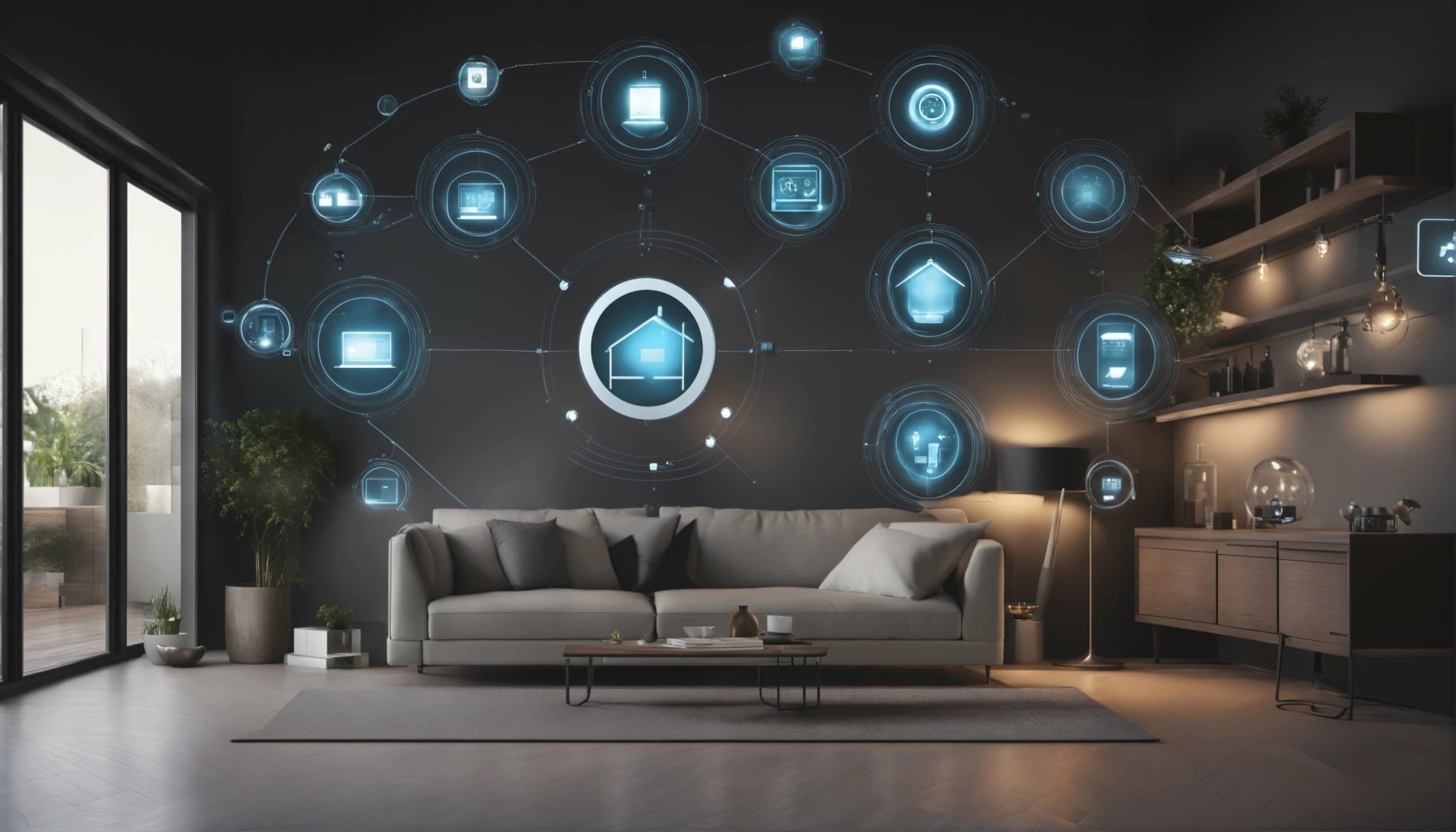
IFTTT stands for "If This Then That." The formula summarizes the principle: when a condition is met, a reaction is triggered. For a smart home, this is like assigning repetitive tasks to a rule, such as turning off the lights when you leave or turning the heat back on.
A service for connecting apps and devices
The IFTTT service automates tasks by connecting compatible apps, services, and devices. Without writing a single line of code, even a novice user can use it to connect devices from different brands that otherwise wouldn't communicate with each other. In practice, its operation is based on three key points:
- Two ways to access the service: a web service and a mobile app, so you can create or manage your rules from either your computer or your phone.
- The same account on both platforms: a rule created on the phone also appears on the website, and vice versa.
- An extensive catalog: more than 1,000 connectable services, according to IFTTT itself, covering smart home, social media, and productivity tools.
If english is holding you back, install the IFTTT app on your Android phone or iPhone: its menus are displayed in French. It's all you need to create, activate, or edit your Applets (automation rules) without ever having to open the website.
An Applet's trigger and actions
An applet connects at least two services from different applications. Until 2016, IFTTT called it a “Recipe,” before renaming it an “Applet.” The trigger can be leaving home, movement, a ringing sound, or a temperature threshold. The action then involves turning on a light, adjusting the heat, or sending a notification. Similarly, the “ingredients”—that is, the data provided by the trigger—are used to configure this action.
Beyond this simple diagram, an advanced applet follows a specific sequence: trigger, request for additional data, JavaScript filtering code, intentional delay, and then actions. This time range is from 15 seconds to 3 hours. As for the code, it modifies or skips an action based on defined conditions, such as the time of day.
Create and test your first Applet
The creation process consists of two steps: first, selecting the service and the triggering event; then, selecting the service and the action to be performed. You can also start with an existing applet and customize its settings. In either case, first verify that the features you're looking for still exist, and then authorize the accounts for the relevant services.
Once configured, the new applet activates automatically, according to IFTTT. Next, trigger a test event, then view its activity in the “My Applets” section: you can also disable it from the website or app.
What is IFTTT used for in a smart home?
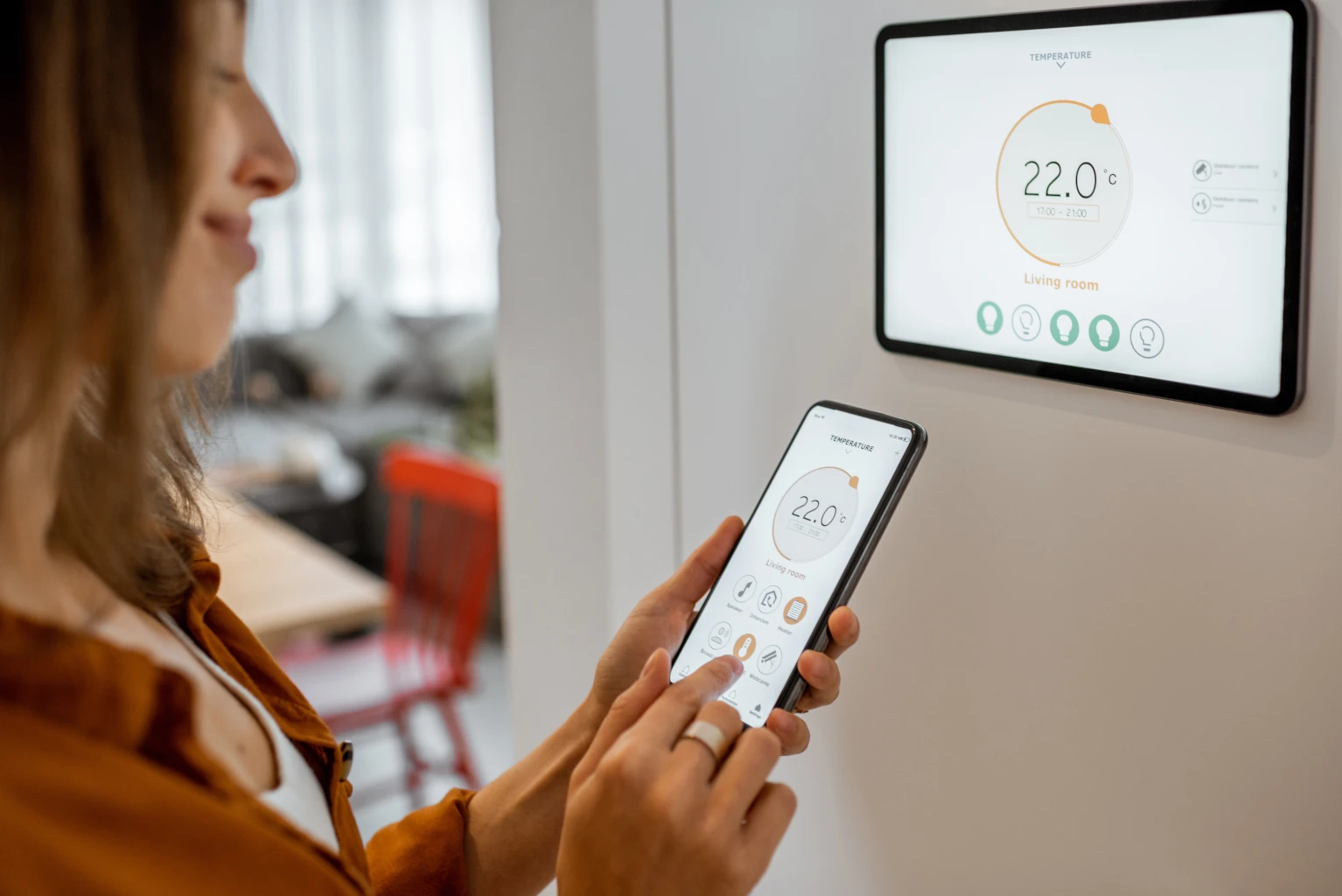
In a smart home, IFTTT connects devices and services from different brands to create everyday scenarios. Home automation becomes more flexible: lighting, heating, or an alert respond to an actual event in the home. However, each use case depends on what your smart devices' integration exposes.
Controlling lighting based on events
An applet turns off the lights when you leave home or turns them on as soon as it detects someone's presence or someone approaching the house. Conversely, movement detected by a camera or the ringing of a compatible doorbell can also trigger the lights. For this to happen, both instances must describe this event and this action.
The difference lies in the lighting features: depending on the model, the lamp can be turned on, turned off, dimmed, or have its color changed. Weather data can also control the lighting ambiance. Before choosing a smart LED light fixture, be sure to check the actions it offers in IFTTT.
Adjust the heating and smart plugs
A temperature threshold can trigger the heating system. In addition, the phone's location can trigger a reduction in temperature upon departure or a return to heating mode as you approach home, provided that the necessary functionality is available for your equipment.
A documented heating controller integration offers eco, heating, and automatic modes. However, a thermostat's compatibility depends on your system: boiler or heat pump, type of control system, and whether it's a single-zone or multi-zone setup. Check these three points before making a purchase.
A smart plug, on the other hand, turns the power on or off: the connected device does not become smart, and the plug does not regulate the power like a thermostat. Check the power rating and the type of load supported by the model, particularly for a resistive heater or a high inductive load, whose inrush current may cause problems.
Receive alerts and automate other tasks
An applet enhances home security by turning on a light or sending a notification after a detection. It does not replace the main system, according to Service-Public.fr (the French government's official website), every residence must have at least one smoke detector that meets safety standards. The decree of february 5, 2013, stipulates, among other things, that the signal must be at least 85 dB(A) at a distance of 3 meters. When the battery is replaceable, the minimum battery life is one year.
Other automated features go beyond security: making a light flash when a compatible washing machine signals the end of its cycle, or controlling smart devices with your voice through a voice assistant. Apart from home automation, a post containing a specific hashtag or a rain forecast can trigger the sending of an email.
What are the limitations of IFTTT?
IFTTT's limitations stem from three factors: the chosen formula, the response time of the integrations, and the reliance on external services. Understanding them prevents you from relying on a rule—which might be delayed or interrupted—to handle an important aspect of your home.
What the free and paid plans offer
The value of IFTTT is measured first and foremost by the features it offers. As of may 23, 2023, the free version of IFTTT is limited to 2 Applets, down from 5 previously:
- Executions: announced as unlimited, subject to the limits specific to each integration.
- Only one action per applet in the free plan.
- Old tutorials: Those that mention five free applets no longer reflect the current offering.
Multiple actions within a single applet and webhooks (automatic calls between web services) require at least the Pro plan. Queries and filter code, on the other hand, are the preferred choice when the scenario depends on specific conditions: they are reserved for Pro+.
| Function | Free | Pro | Pro+ |
| Number of Applets | 2 | Greater than 2 | Greater than 2 |
| Multiple actions per Applet | No | Yes | Yes |
| Webhooks | No | Yes | Yes |
| Queries and filter codes | No | No | Yes |
| Checking a periodic trigger | Every hour | Every 5 minutes | Every 5 minutes |
Timelines and compatibility of integrations
A real-time trigger typically runs in a few seconds. For a trigger that is checked periodically, IFTTT checks for events every 5 minutes with the Pro or Pro+ plans, compared to once an hour with the free plan, without guaranteeing an exact time. The provider also determines which features are available: general compatibility with IFTTT or with Matter (a communication standard for connected devices) does not guarantee that the desired feature will be available.
An integration may also be removed, in which case its applets are archived. Support for two device lines ended on august 1, 2026; certain home automation and security integrations were discontinued at the end of 2024. Heating automation systems also stopped working as of september 15, 2024. So go ahead and test how the device and its built-in features work without Wi-Fi, the Internet, or any external services.
System failures and data protection
As soon as an applet fails, the activity log distinguishes between trigger, request, and action errors. It allows you to verify the received event, the transmitted data, and the account's authorization. Reconnect this account if the authorization has expired.
Depending on the scenario, a home applet can use a camera's location, arrival and departure times, or events. The CNIL (the French data protection authority) recommends limiting the amount of data shared and deleting any associations before a resale.
IFTTT users should also take steps to secure their accounts: ANSSI (the national cybersecurity Agency) recommendsRegular updates and two-factor authentication when available. The DGCCRF (public consumer protection agency) recommends checking for compatibility between devices, data protection, CE marking, and the advertised duration of update compatibility.

Frequently asked questions
The domeashop store offers you a list of questions and answers corresponding to the most frequently asked questions related to the theme and products discussed in this article. If you can't find the answer you're looking for, contact us and our specialists will be happy to help.
This message indicates that a periodic check of the trigger did not receive a response in time. The event isn't necessarily lost: it can be recovered during a subsequent successful verification.
No: An old applet, a tutorial, or an IFTTT logo is not enough. Support for certain home automation gateways and a line of security products was discontinued at the end of 2024. A change to the interface or permissions can also cause an applet to stop working while the devices are in use.
Choose a notification or a light as a test action before entrusting the heating system or safety equipment to the applet. Next, trigger a test event and verify that it runs in "My Applets."